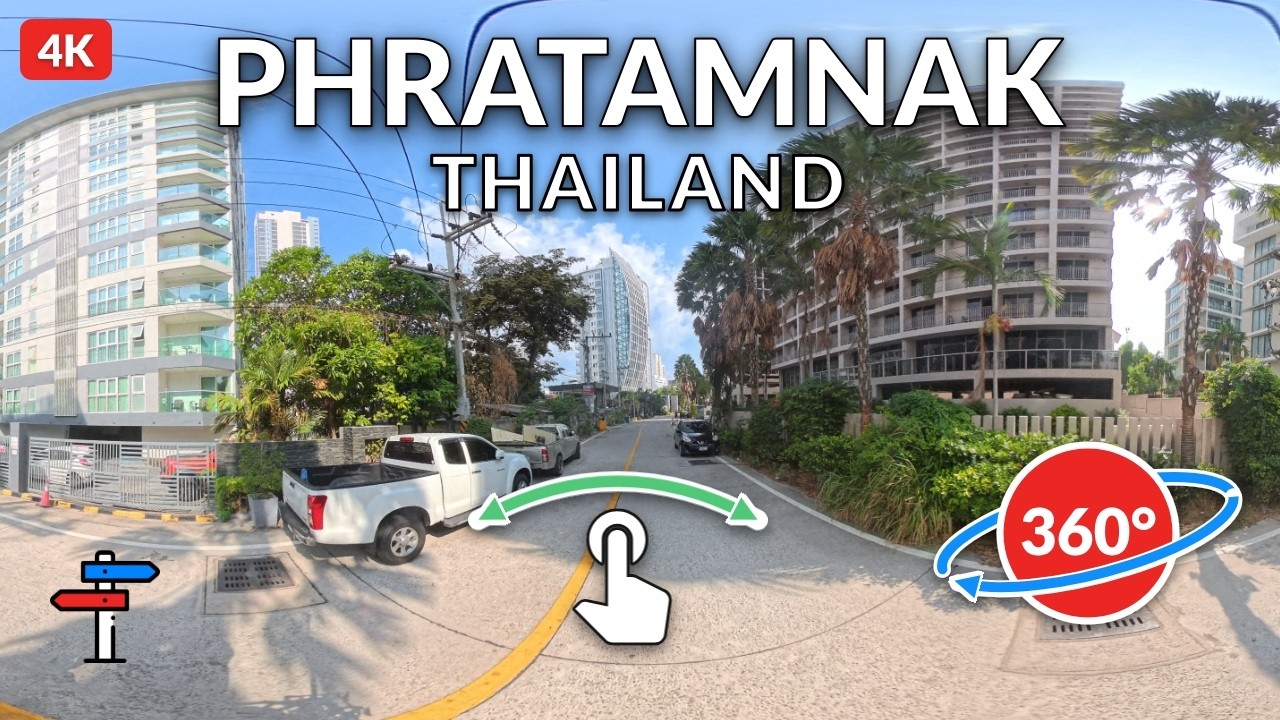
This is a 360° view video taken whilst riding around Phratamnak, Thailand.
PC or Mac: Click on the YouTube thumbnail image below. Click and drag to look around.
Phone: Use the YouTube app, not a mobile browser. Swipe across the video, or move the phone to look around.
Watch in 4K: YouTube may pick a lower quality on its own. Open Settings ( ), choose Quality, and select 2160p / 4K if it is listed. On the YouTube app that may sit under Quality > Advanced. You need a strong connection and a device that supports 4K